Your recipes, scaled and converted.
Every recipe you write, photograph or have the Recipe Creator write lands on one shelf. Scale any of them to the number you are cooking for, and switch them between metric and imperial, amounts and oven temperatures both.
 Free, with no account and no limit.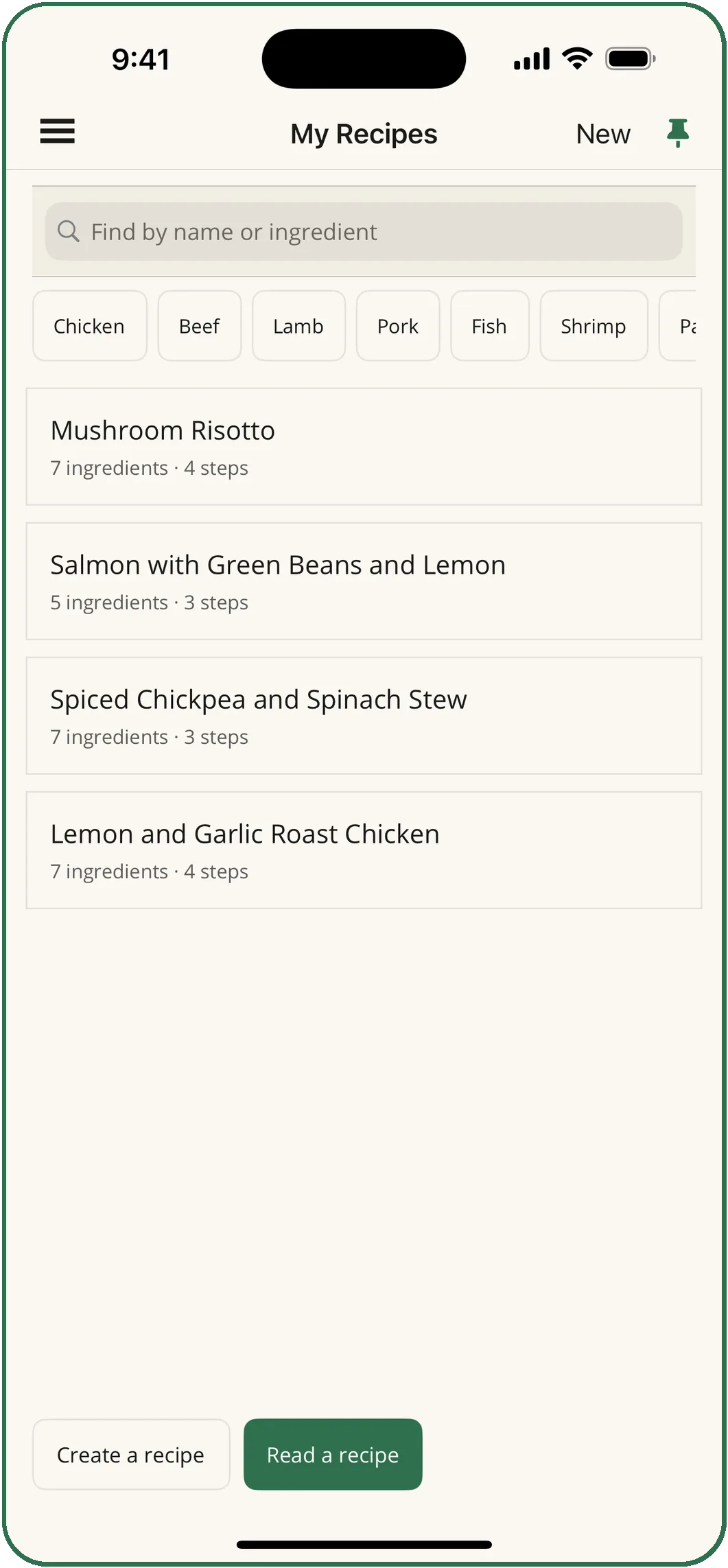
Write it once. Cook it at any size, in any units.
Write by hand
Type a recipe in, or edit one after it has been read from a photo. Hand-written recipes scale, convert and add up on the shopping list exactly like scanned ones.
Scale to the table
Cooking for six from a recipe for four? Scale it, and every amount follows.
Metric or imperial
Switch any recipe in either direction, amounts and oven temperatures both, landing on the fractions your measuring cups are actually marked in.
Categories and search
Mains, soups, salads, sauces, desserts and more, with filters along the top. Find a recipe by its name or by an ingredient in it.
Share it
Send a recipe by message, email or AirDrop.
A shelf that starts full
A new shelf starts with sixteen recipes instead of nothing, so the scaling, the planner and the shopping list have something to work with on day one.
Three ways onto the shelf.
- By hand
- Free. Ingredients, steps and timings, as you write them.
- Recipe Reader
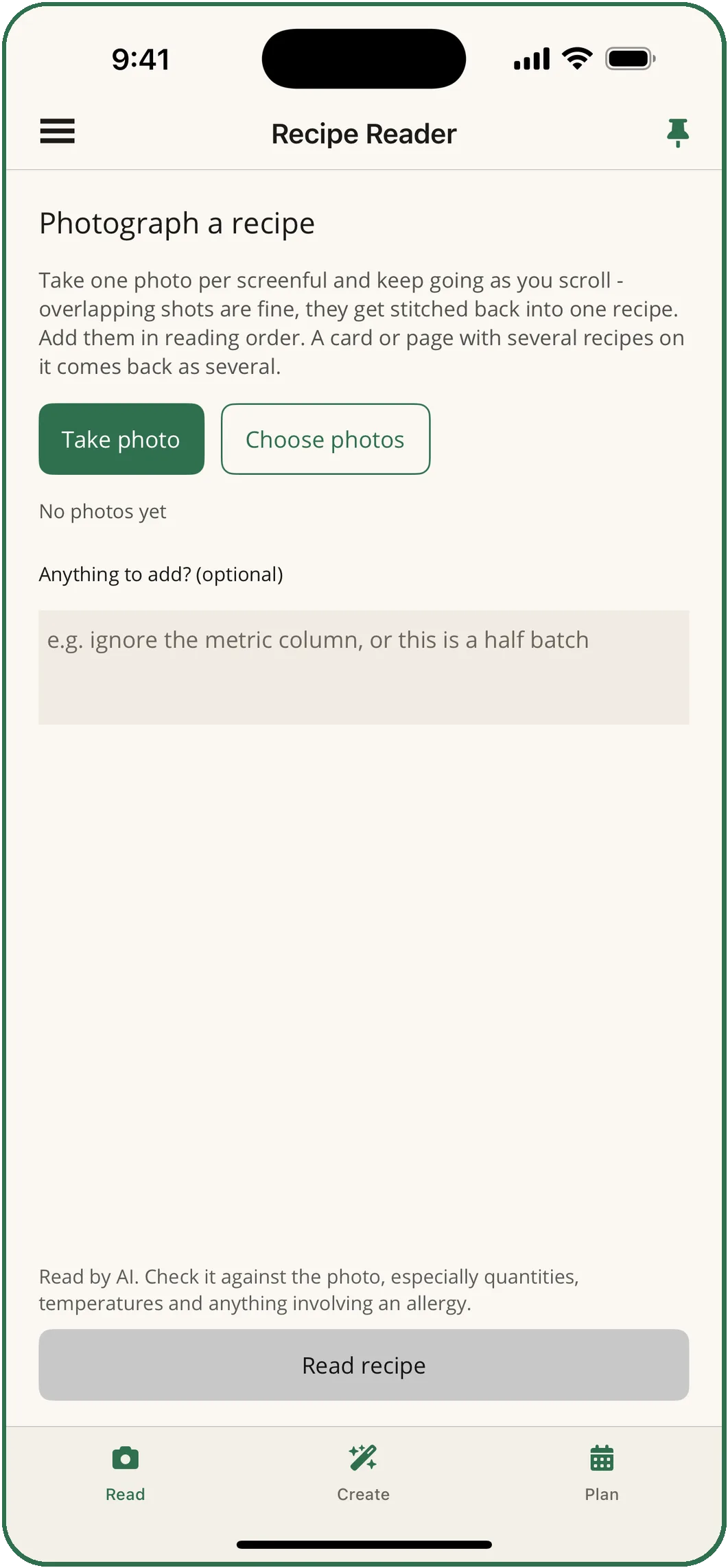
- Photograph a recipe from a book, a card or a screen and it is typed out for you. A page with several recipes on it comes back as several. More
- Recipe Creator
- Say what you have, or show a photo of a dish, and it writes a recipe that fits. More
The Meal Planner builds its weeks from this shelf first, and the shopping list adds up whatever recipes you pick from it.
Your recipes stay on your phone.
There is no account and nothing to sign in to. The shelf is stored on the device and travels in the phone's own backup.
One backup file.
Settings writes every recipe, plan and household detail to a single file you can keep in Files or send to yourself, and restore on another device. Restoring adds what is missing and never deletes what is already there.
Pin a recipe you cook every week.
Each recipe has a pin at the top right: put it on the app icon's press-and-hold menu, or give it a phrase for Siri. Widgets and shortcuts

Your own recipes are free.
Write, scale, convert and share as many as you like, with no account and no limit.