Photograph a recipe. Get it typed.
Take a picture of a recipe in a cookbook, on a handwritten card or on a screen, and get it back typed out: ingredients, steps and timings, ready to save. Then it scales, converts and goes on the shopping list like any other recipe.
 $2.99 a week or $5.99 a month, with a 3-day free trial on the monthly plan.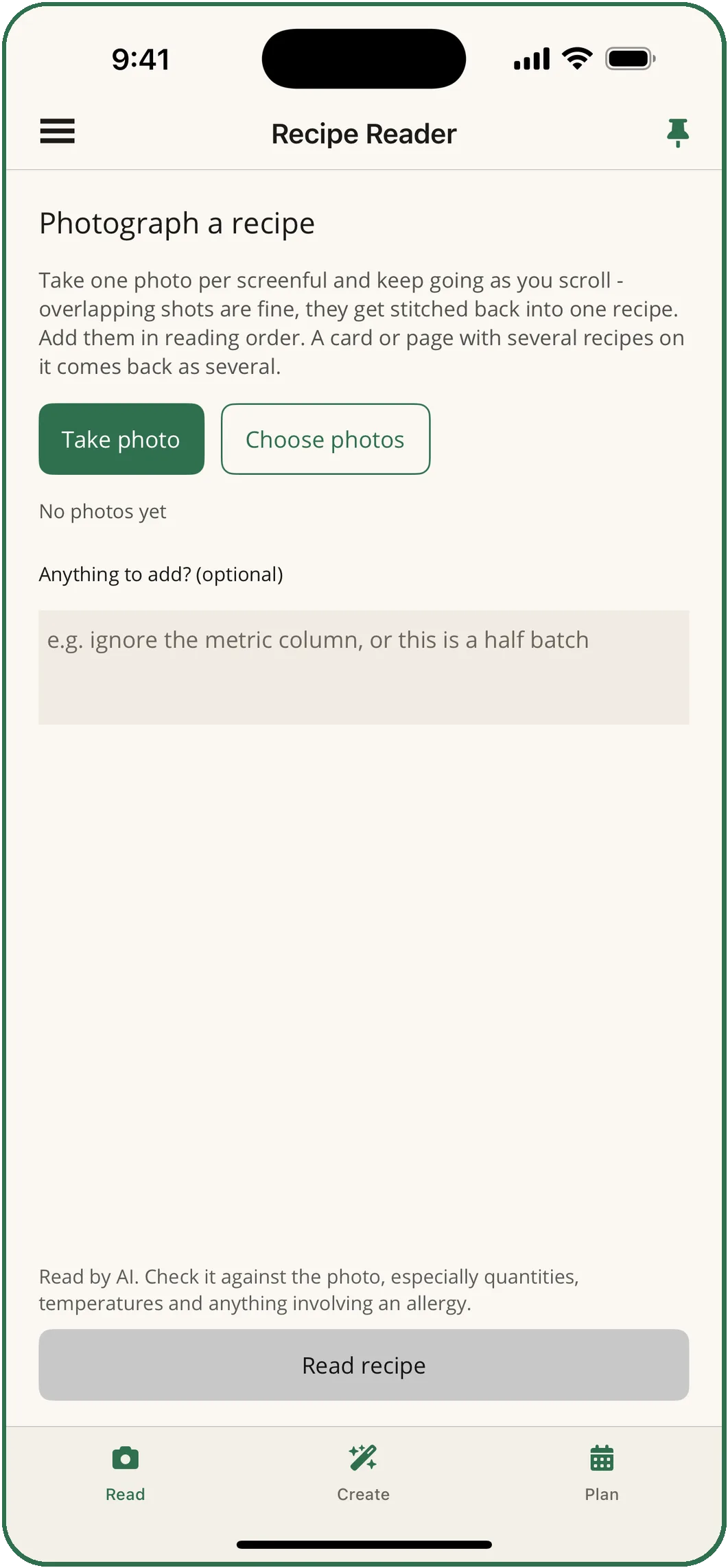
Three steps, and the recipe is on your shelf.
Take the photos
One photo per screenful, and keep going as you scroll. Overlapping shots are fine: they are stitched back into one recipe. Add them in reading order.
Add a note if you like
Anything the reader should know, such as "ignore the metric column" or "this is a half batch". It is optional.
Read it
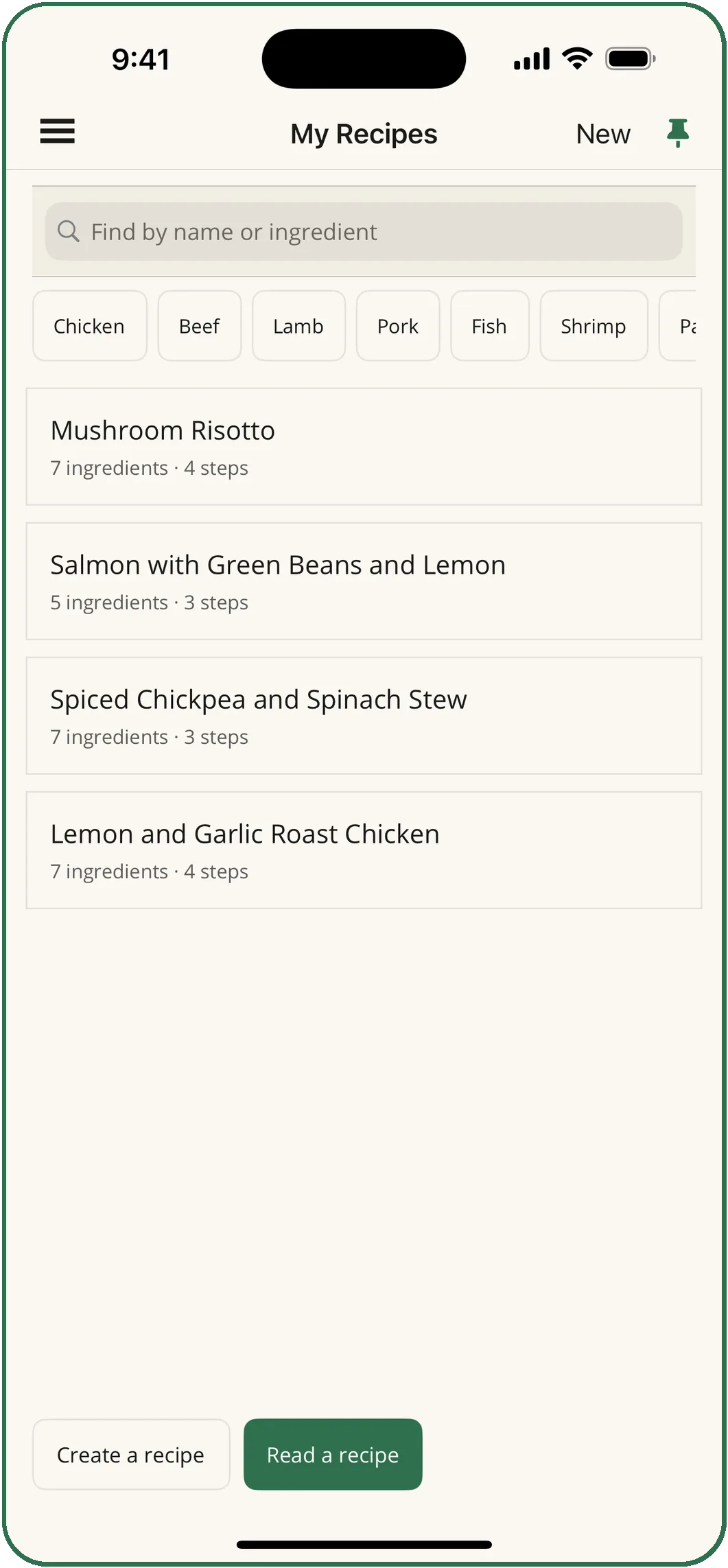
The recipe lands in My Recipes with its ingredients, steps and timings. Edit anything you like, then scale it or switch it between metric and imperial.
It tells you what it could not read.
- A recipe on a web page rarely fits in one screenshot. Take several as you scroll and they come back as one recipe.
- If something looks missing between two photos you are told, instead of having a step invented to cover the gap.
- A card or page with several recipes on it comes back as several, each saved on its own.
- Recipes get a category, such as mains, soups, salads, sauces or desserts, and My Recipes filters by it.
- Scale any recipe to the number you are cooking for. Switch it between imperial and metric in either direction, amounts and oven temperatures both, landing on the fractions your measuring cups are marked in.
- Share a recipe by message, email or AirDrop.
Check it against the photo.
The reading is done by an AI model, and the app says so on the screen. It can misread a quantity, a time or a temperature, so check what it produced against the photo, especially quantities, temperatures and anything involving an allergy.
What happens to your photos
The photos go to our service, which passes them to Anthropic, the provider of the AI model, and returns the recipe to your phone. They are processed and then discarded: we keep no copy. The full details are in the Privacy Policy.
Questions
The Recipe Reader missed part of my recipe.
Take several photos as you scroll, overlapping them slightly, and they are stitched into one. If something is missing between two photos you will be told, rather than having a step invented to fill the gap.
Can I edit a recipe after it has been read?
Yes. Anything read from a photo can be edited by hand afterwards, and hand-written recipes scale, convert and add up on the shopping list exactly like scanned ones.
Is there a limit?
Paid features carry fair-use limits on how much can be read in a billing period, because every request costs us money to serve. If you reach one, the app tells you and says when it resets.
Do I need it for my own recipes?
No. Writing a recipe by hand, scaling it and converting it are free, with no account and no limit.

Your recipe books, typed.
Try the Recipe Reader for a week at $2.99, or take the monthly plan and start with 3 free days.